Videos
Watch the tools run,
start to finish.
Short screen recordings of the real apps: what you drop in, what comes out, and the moment a name gets fixed. The ClassPhoto demo runs on a sample school with invented names and faces blurred on purpose; what each of the others shows is in its caption.
Nothing loads from YouTube until you click a poster.
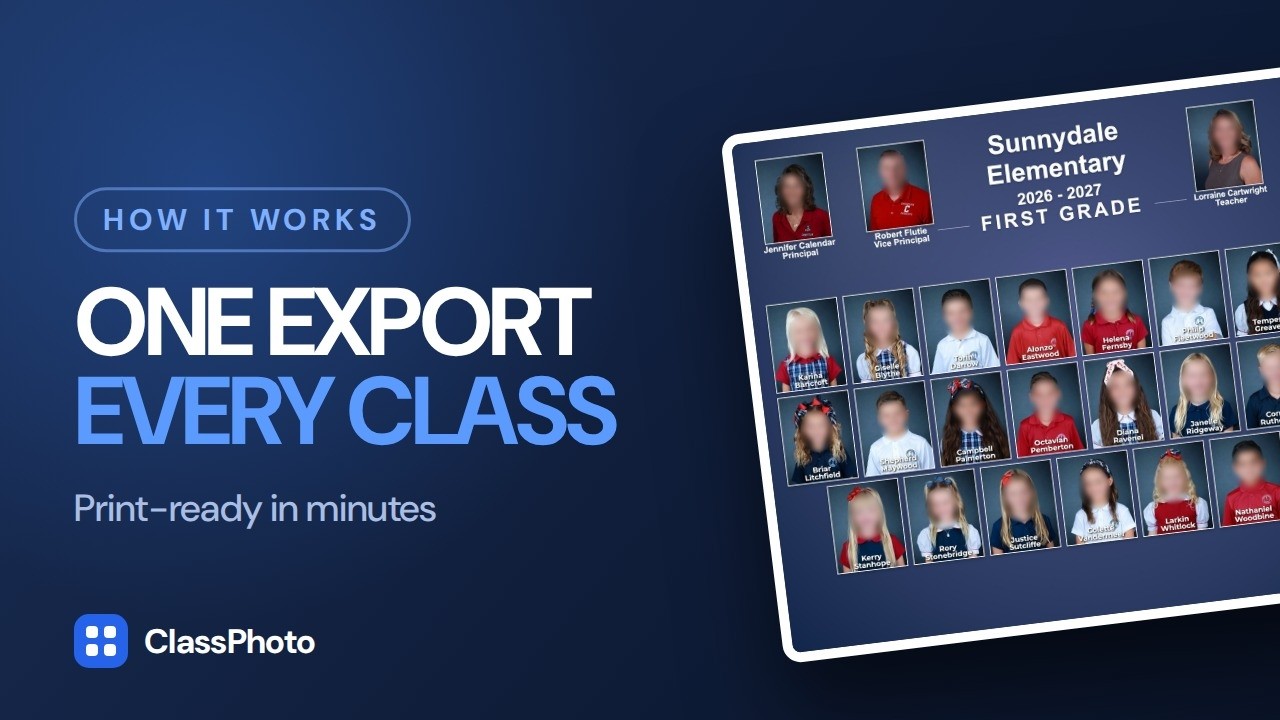
Start here
Introducing ClassPhoto - School Portrait Composite Creator
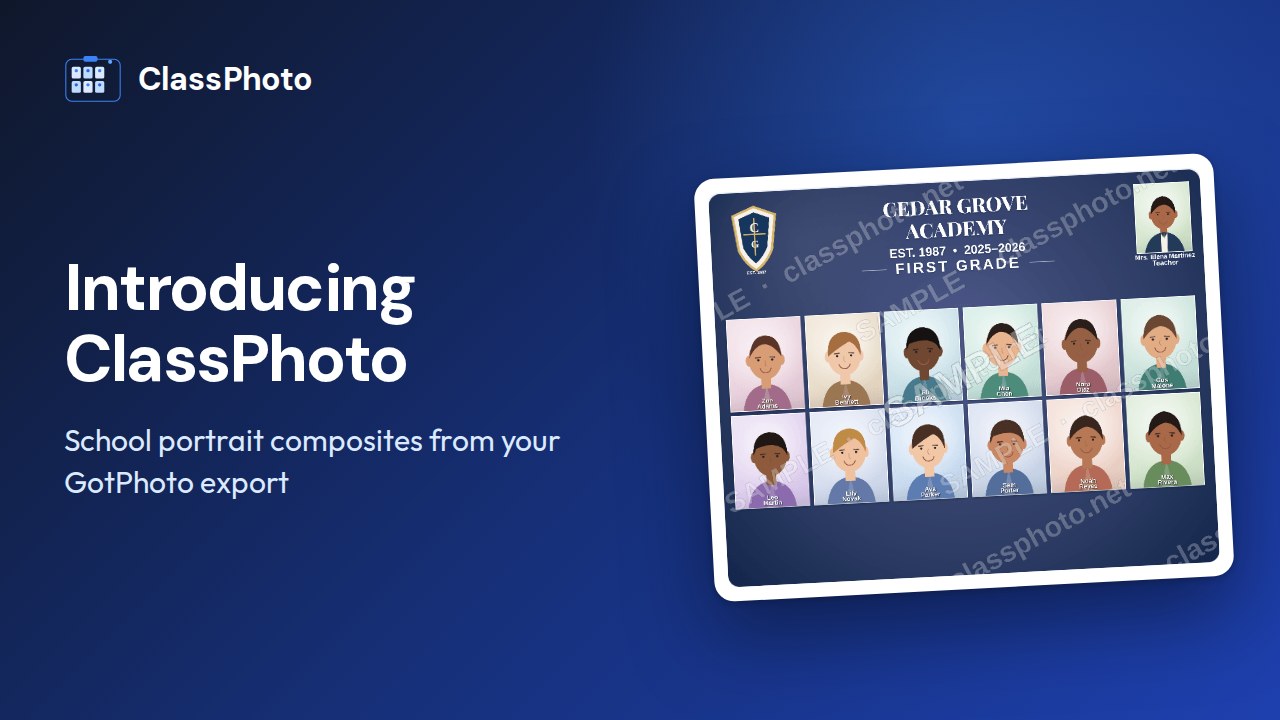
Picture day is just the start. It is everything after it that eats the evenings, which is why ClassPhoto exists: drop in your export and get a print-ready class composite image for every class in the school in a few minutes. It also names the rest of the Suite: the ID cards, the service stickers, the principal's book and the roster cleanup.
Try it free on your own export, or read the full ClassPhoto page.
ClassPhoto
Zip File ClassPhoto Export Tutorial with GotPhoto
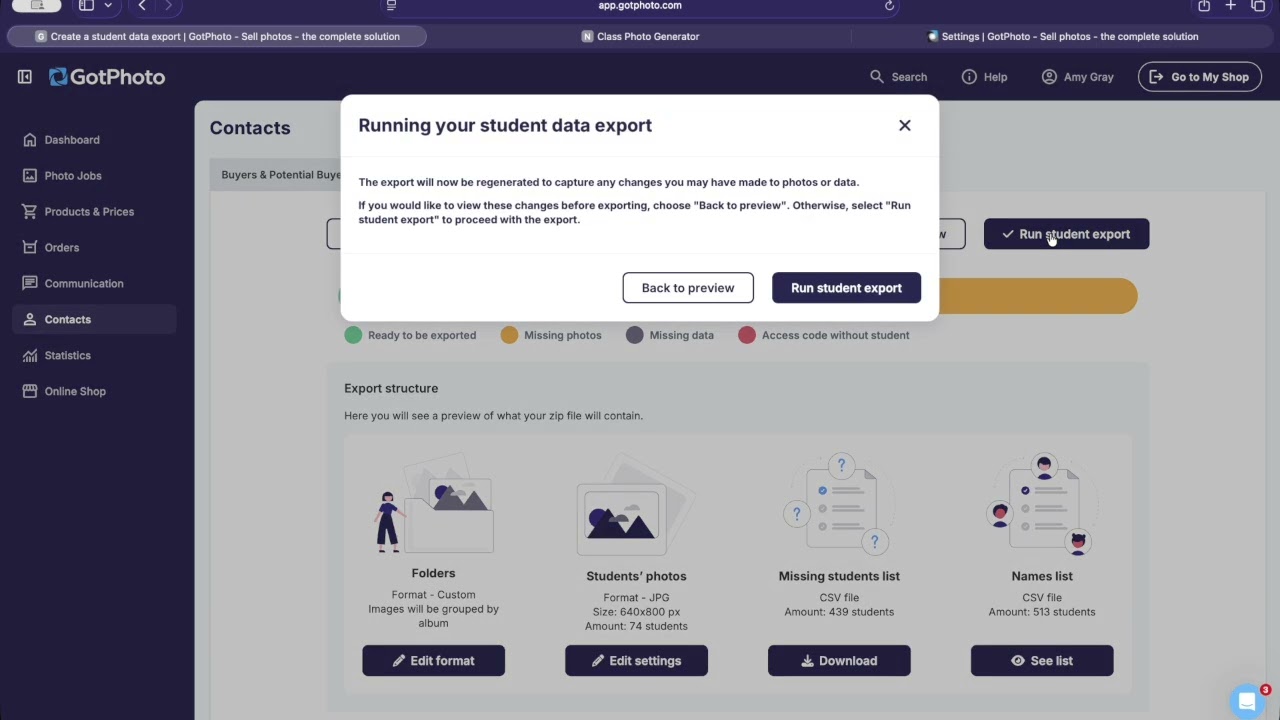
How to export your photos into zip files from GotPhoto for use in ClassPhoto. Organize the job into groups by grade and by teacher before you download it, and all the correct information gets pulled into your class composites automatically. Setting the files up this way is what makes the rest fast.
Try it free on last year's export, or read the full ClassPhoto page.
ServiceStix
ServiceStix Demo - Service Sticker Software
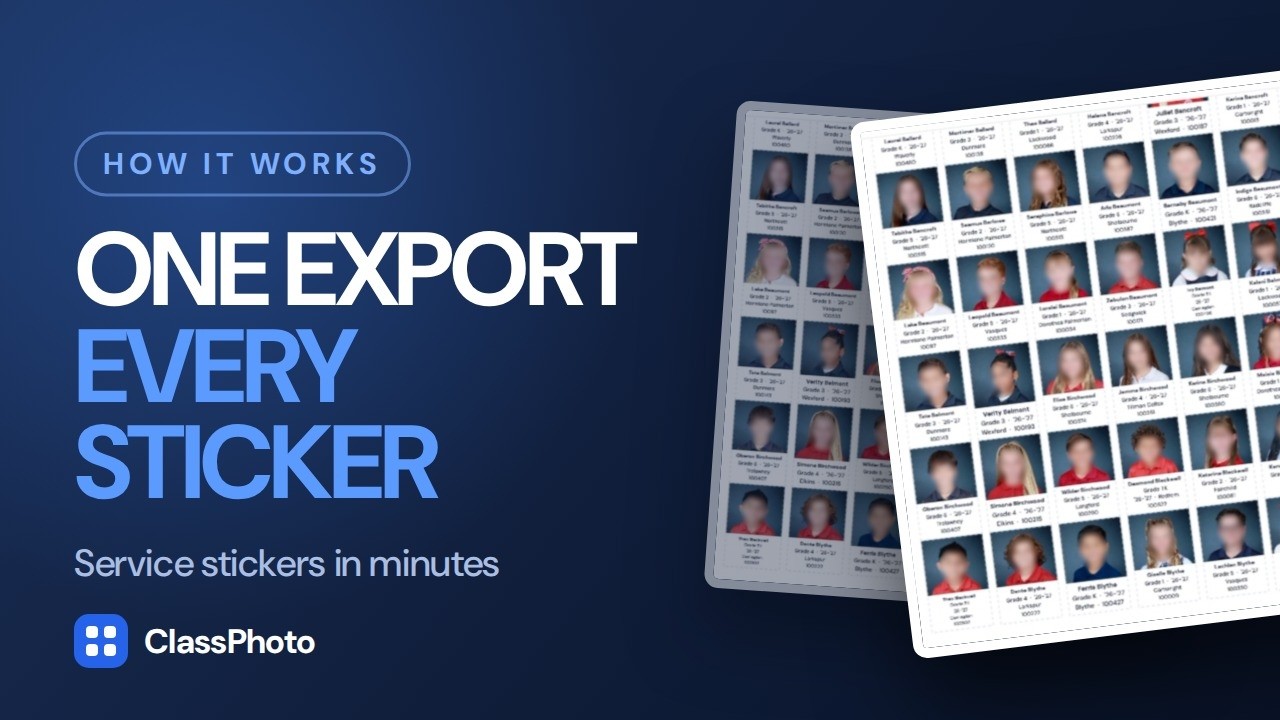
ServiceStix builds the whole sheet for you, every student's photo with their name, grade, teacher and ID printed underneath, straight from your PSPA export, plus the school year you set once for the whole job. No mail merge, no spreadsheet gymnastics. Choose the fields you want on your stickers and everything sizes itself to fit one of three sticker templates.
Try it free on your own export, or read the full ServiceStix page.
ClassPhoto IDs
ClassPhoto ID Demo - Student and Staff ID's in minutes
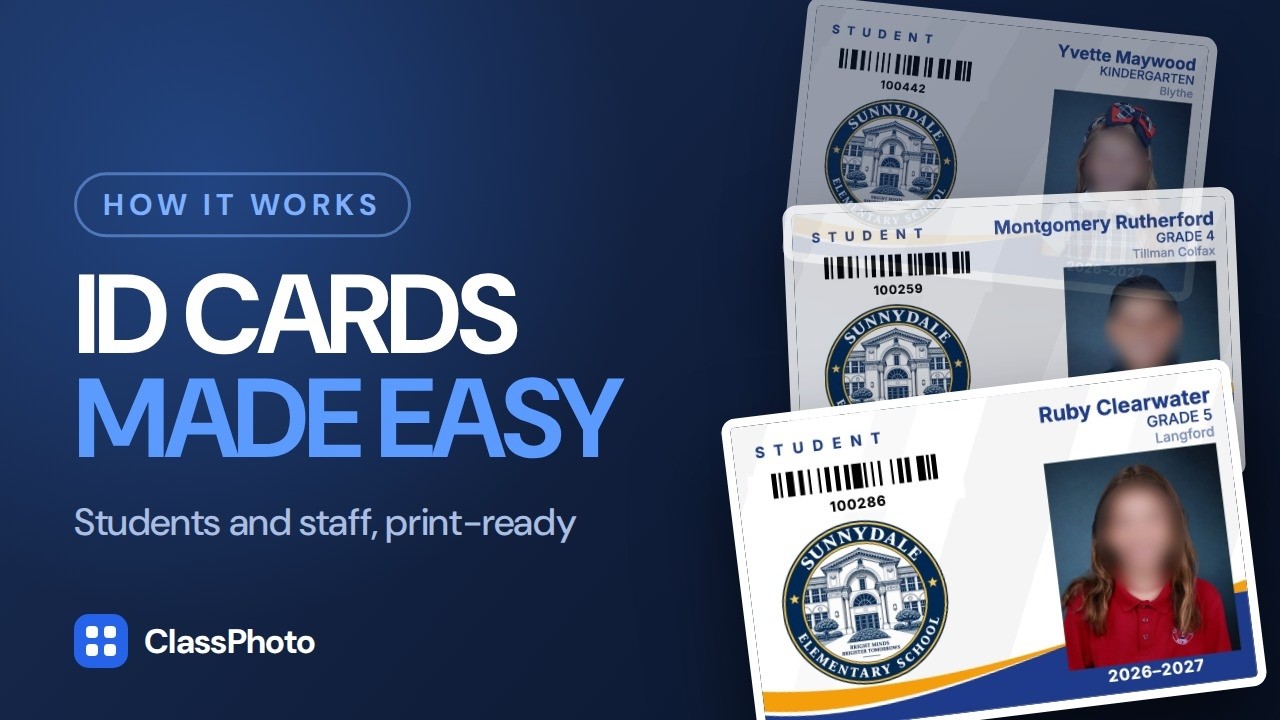
Drop in your PSPA file, pick a design, and ClassPhoto IDs builds every card for you: the student's photo, their name, grade, school year, teacher, and a real scannable barcode of their ID number, with your school's logo right on the card. If something isn't right, you can edit any card individually, no starting over. Export individual cards as PNG or JPEG at 300 DPI, or a print-ready PDF with crop marks.
Try it free: it opens on a sample school, and Import students takes your own export. Or read the full ClassPhoto IDs page.
Principal's Book
Principal's Book Demo - Mug Book / Pictorial Directory Software
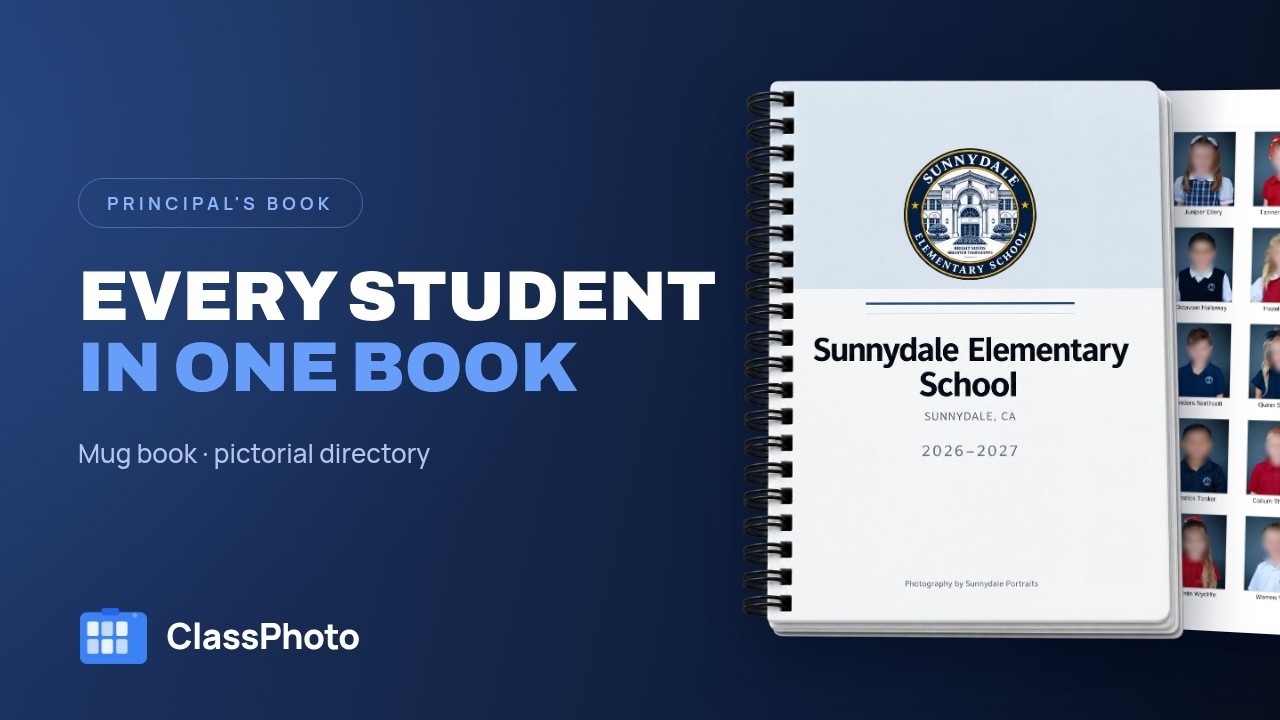
The Principal's Book is the pictorial student directory that lives on the front office counter all year. Some schools call it the principal's book, some the mug book, some the student directory. Whatever your schools call it, it is built from the picture day export you already have: cover, title page and class pages assembled for you, sized and gutter-set for coil, comb, saddle stitch, perfect binding or a 3-ring binder, with five cover designs in six color themes, a pre-flight check before anything prints, and a 300 dpi print PDF plus a proof.
Try it free: it opens on a 200-person sample school, and the Import step takes your own export. Or read the full Principal's Book page.
List Fixer does not have a walkthrough yet. It has a free sample mode you can run on your own file: try List Fixer.
All five together: ClassPhoto Suite, $199/year introductory.
Also from our studio: Ruler, a separate Mac app that batch-crops a picture day so every face comes out the same size. It has its own license and is not part of the Suite.
Watch it once, then run it yourself.
Every tool has a free sample mode, so the next step after the video costs nothing.
Get the Suite, $199/year